HOW TO USE AN OFFICIAL SINGSNAP THEME - PROFILE
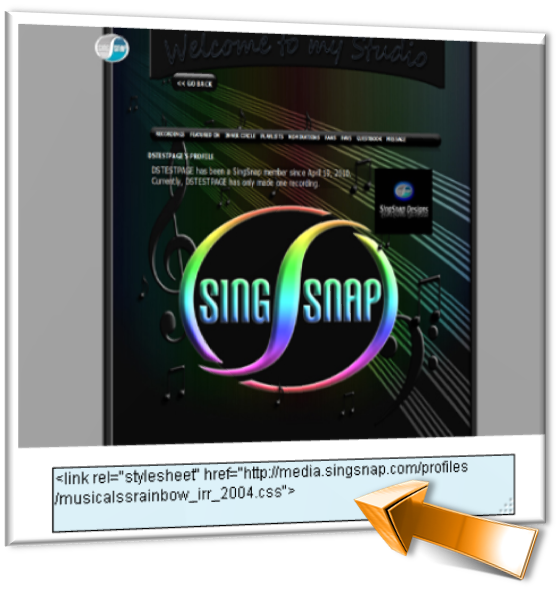
1. Find a theme you like, and copy the <link rel> code underneath the snapshot.
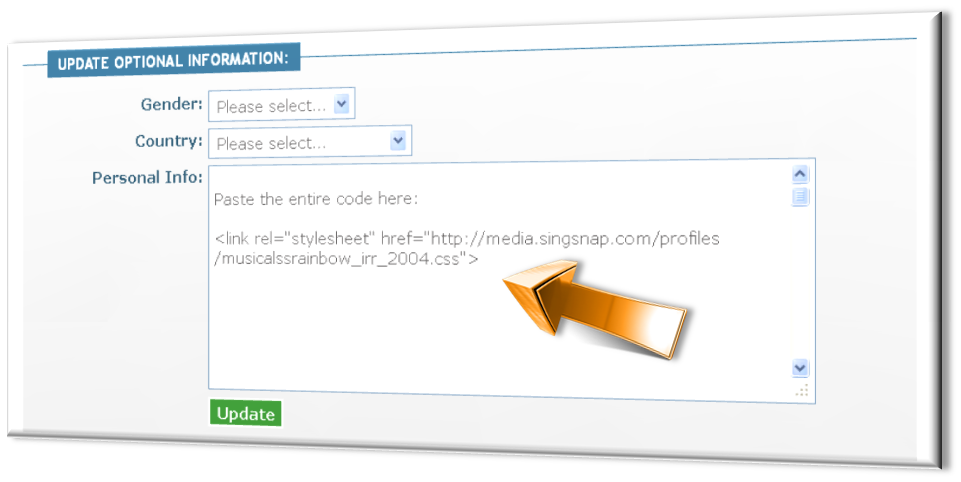
2. Paste the <link rel> code into the
Personal Info
section of your
profile
.
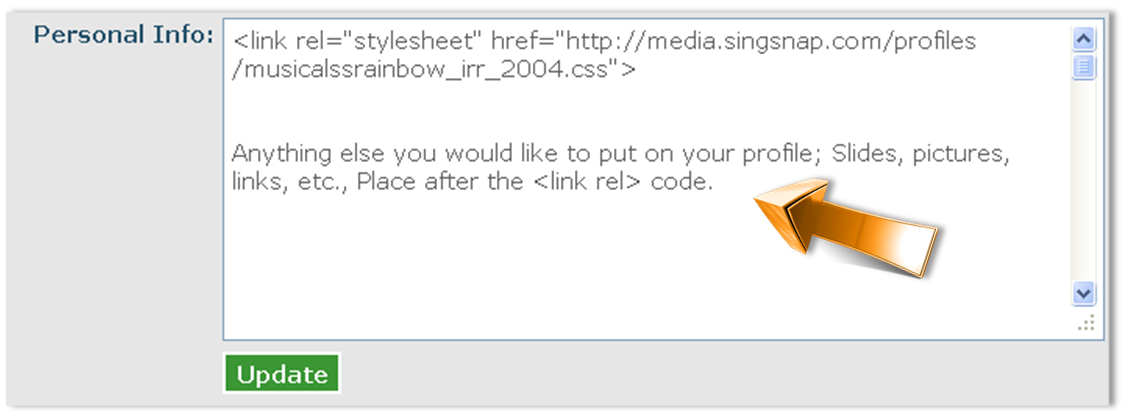
3. Anything else that you would like on your profile including text, images, slideshows, etc, put
after
the <link rel> code.
Click
Update
and you're done!